
Press kit
Passmagic is an iPhone app that turns screenshots, PDFs, emails and photos into Apple Wallet passes.
About Passmagic
Boarding passes, event tickets, loyalty cards, memberships and coupons often arrive as a PDF, an email or a screenshot, with no way to add them to Wallet. They end up scattered across Mail, Photos and Files.
Share one to Passmagic from any app. It reads everything on it, including names, dates, numbers and the barcode, and makes a pass laid out for what it is. Check it, change anything, and add it to Wallet. A booking for several people becomes a pass for each of them.
How it compares with Create a Pass
Wallet’s Create a Pass in iOS 27 copies a barcode from a photo, which needs an iPhone 15 Pro or iPhone 16 or later, and you type in the rest. Passmagic reads everything on the original, works from PDFs and emails too, and runs on any iPhone with iOS 26.
Facts
- Made by
- Harris Jose, an independent developer
- Released
- 8 November 2026
- Platform
- iPhone, iOS 26 or later
- Price
- Free to download. The first 3 passes are free, then 10 passes for $1.99 or 30 for $3.99 (US prices). No subscription.
- Category
- Utilities
- Links
- App Store · passmagic.app · Guides
Privacy
Passes and the files they’re made from stay on the iPhone. To read one, Passmagic sends its text, and sometimes the image, to AI services, but only after the person agrees. Nothing is kept or used for training. There’s no account. Details are in the privacy policy.
Images
Free to use in coverage of Passmagic. Download everything (ZIP, 4 MB), or pick below.
 App iconSVG, scales to any size
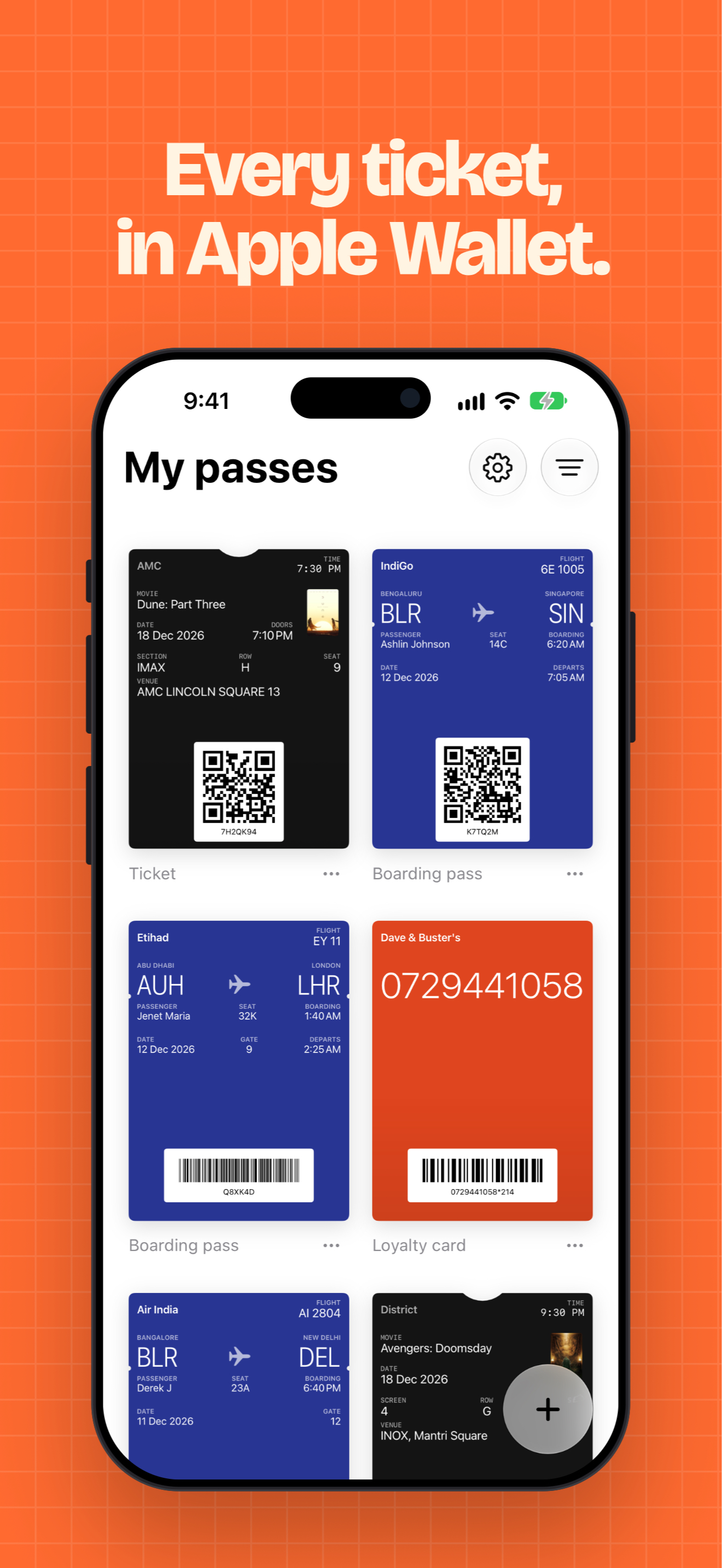
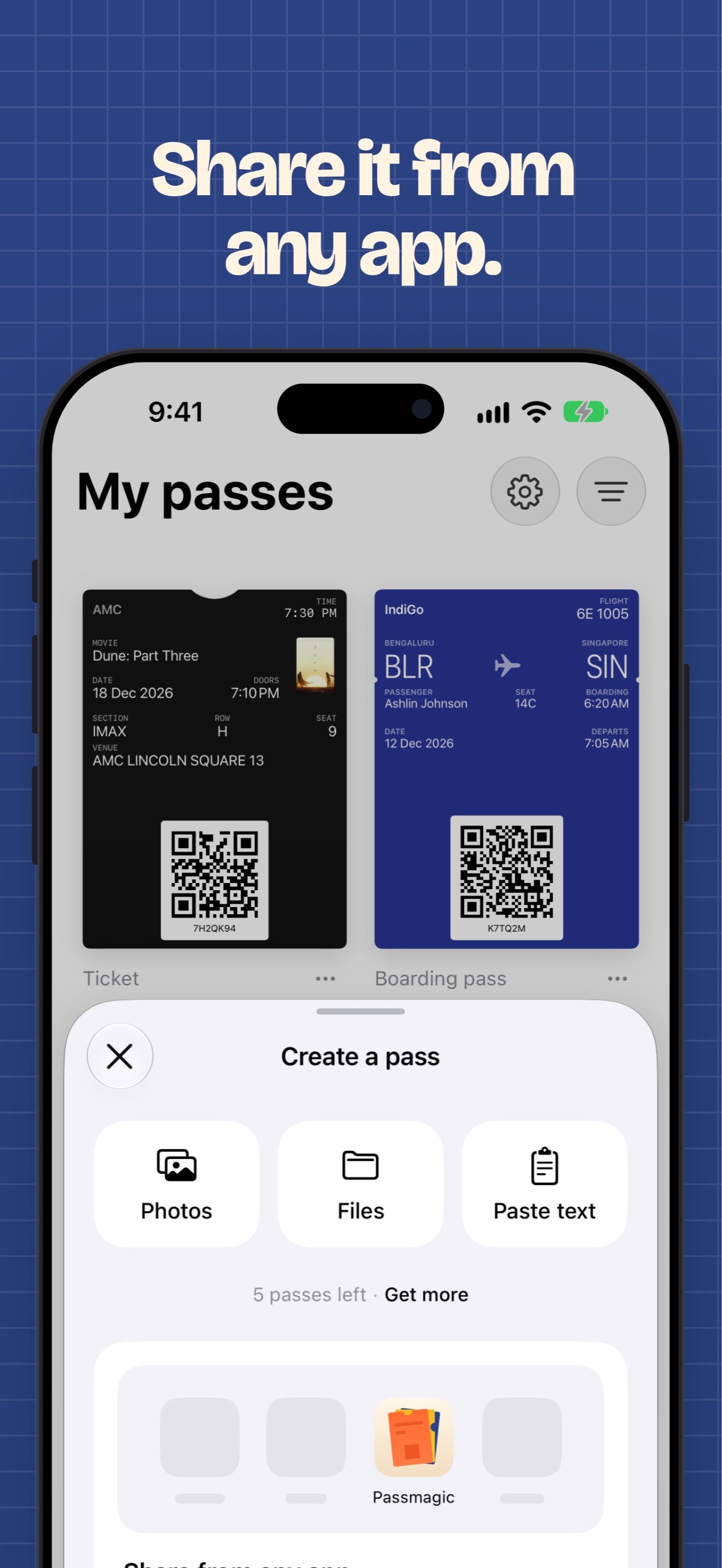
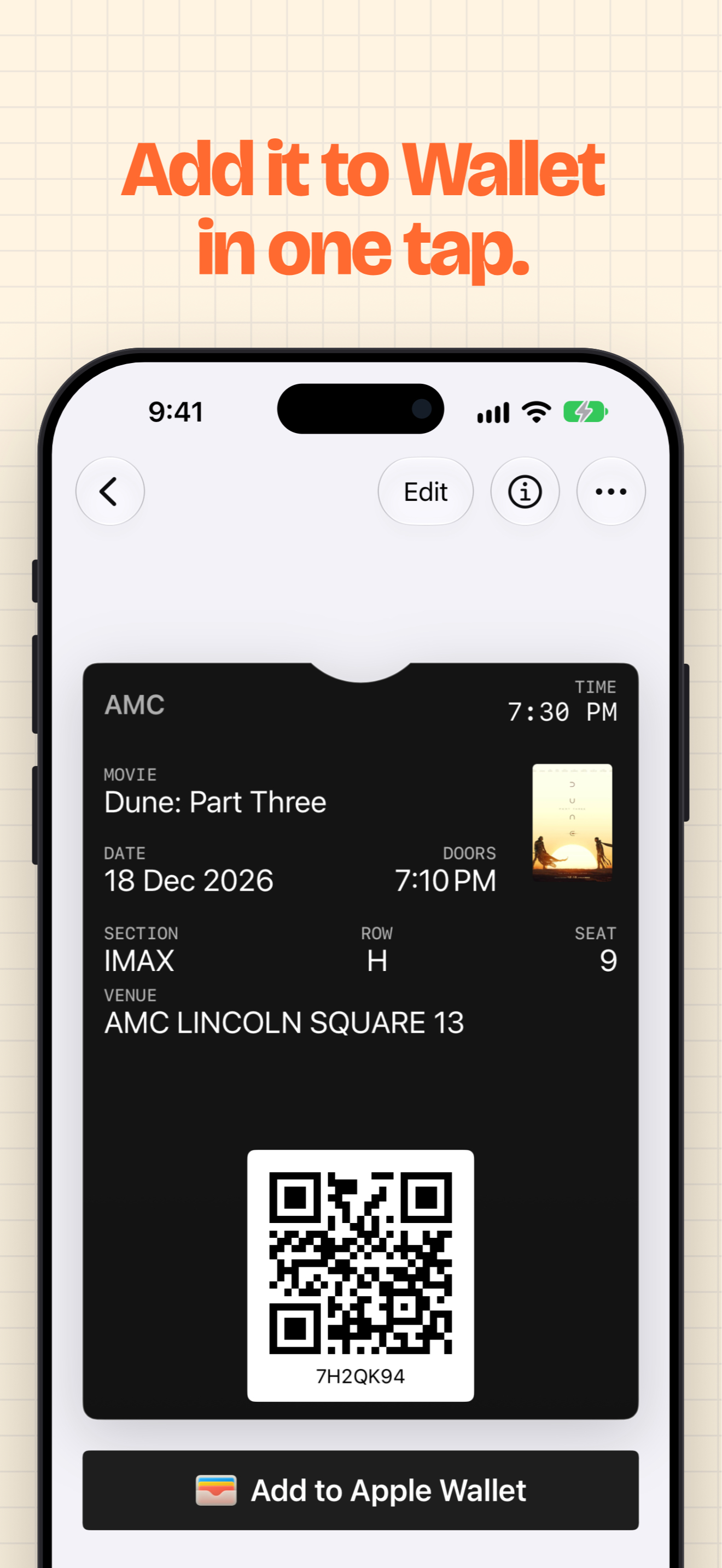
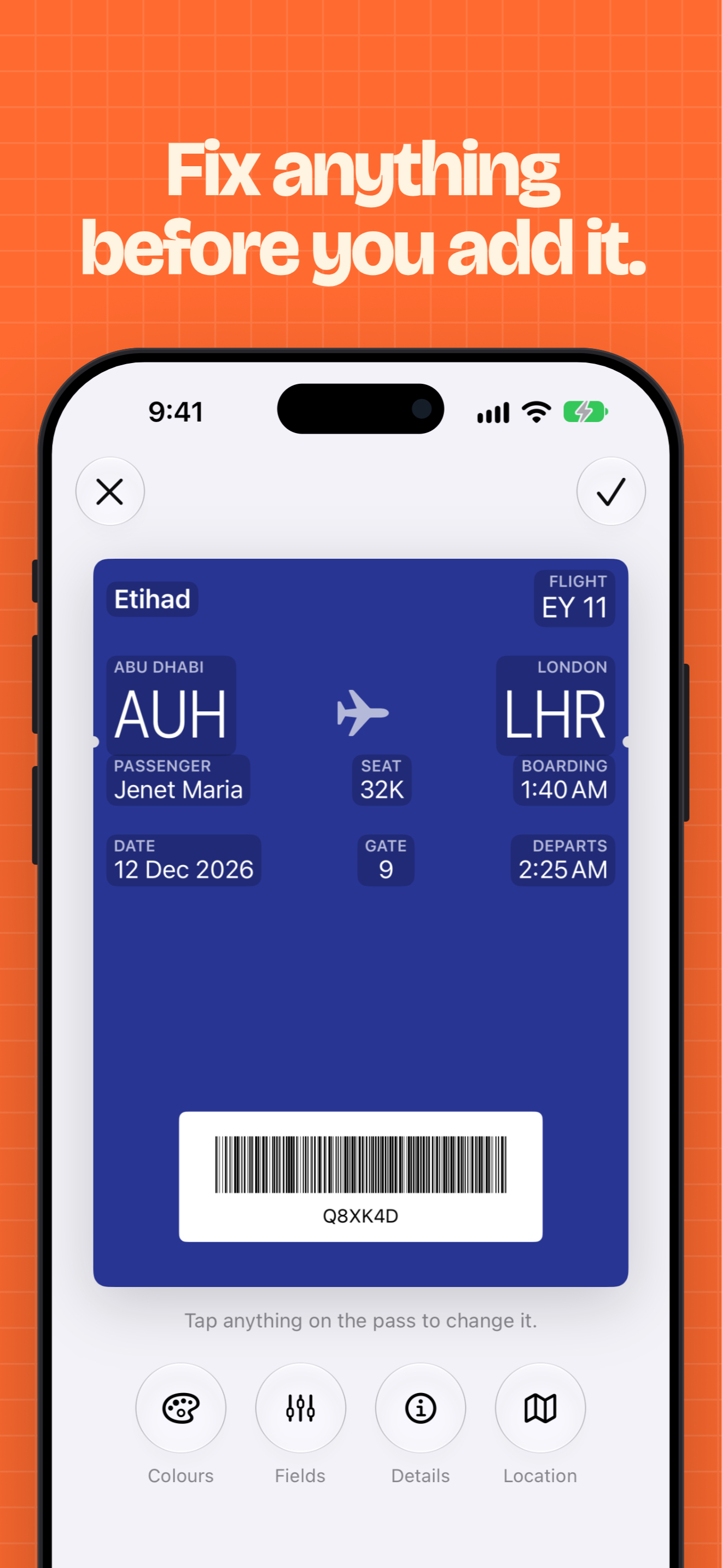
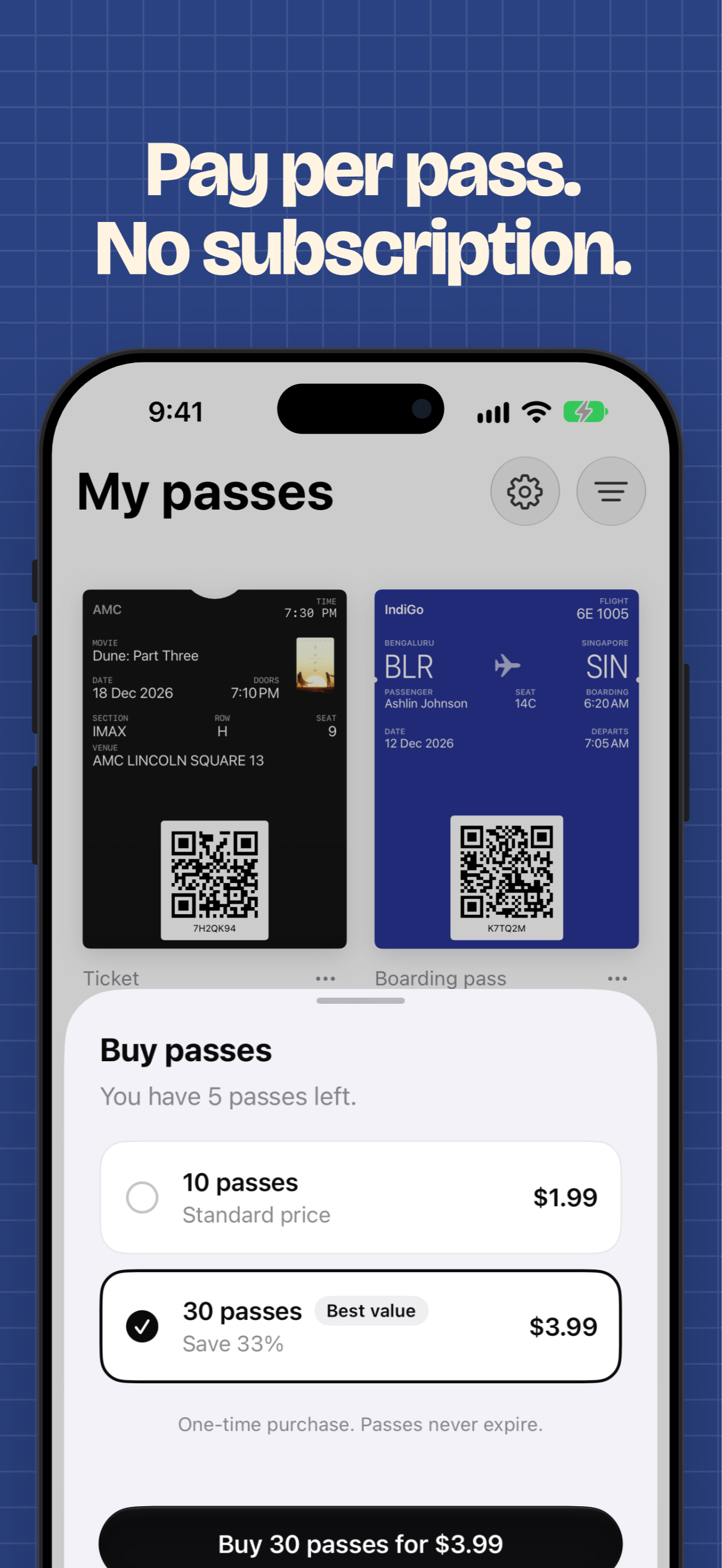
App Store screenshots, JPEG, 1320 × 2868. Tap one to download it.
Contact
For questions, interviews or free passes to review the app, email harrispjose@gmail.com.